Choose a grid
Start with a 1×2, 2×2, 3×3 or social-media preset. You can also set any custom combination from 1 to 5 rows and columns.
Add several photos for an instant grid, or click any panel to replace it. Drag to crop, then download.
Make a clean two-photo comparison layout for before/after images or paired photos.
3 Photo GridPlace three photos in a single row, then change the canvas ratio and crop position for your story.
4 Photo GridCreate a balanced four-photo grid without dragging guides around in Photoshop.
InstagramStart from square and portrait-friendly presets for social posts.
Pixel ArtTurn one photo into crisp pixel art with palette and dithering controls.
How it works
Start with a 1×2, 2×2, 3×3 or social-media preset. You can also set any custom combination from 1 to 5 rows and columns.
Add several images at once or click an individual panel. Drag a photo inside its panel to choose which part stays visible.
Adjust spacing, corners, background, borders and frames, then export the finished grid as a high-resolution PNG or JPG.
Choose the right layout
A grid such as 2×2 describes the number of photo panels. The canvas ratio describes the shape of the complete downloaded image. Keeping these choices separate means you can create a square 2×2 collage, a vertical 2×2 story image or a landscape 2×2 post without rebuilding the grid.
Use 1×2 or 2×1 for comparisons, 2×2 for four equally weighted photos, and 3×3 for a nine-photo collection. Auto-fit is useful when you want the tool to select a compact layout from the number of uploaded images.
Social-ready formats
The quick-format buttons combine a practical grid with a platform-friendly canvas. Instagram presets cover square and portrait compositions, TikTok uses a vertical 9:16 canvas, and Facebook and LinkedIn start with a wide 16:9 layout.
These are convenient starting points rather than locked templates. Change the rows, columns or ratio after choosing a platform, and the preview and downloaded file stay synchronized.
Private by design
The editor uses HTML Canvas to arrange and export your images on your device. Photos are not uploaded to our server for grid processing, and no account is required. JPG, PNG and WebP source images are supported; finished layouts can be downloaded as PNG for crisp graphics or JPG for a smaller shareable file.
Because the preview uses the same rendering path as the export, spacing, backgrounds, borders, rounded corners and frames are designed to appear consistently in the downloaded image.
Before and after
See how four separate photos become one balanced 2×2 grid. The same workflow works for Facebook posts, TikTok photo layouts, Instagram feeds, and everyday collages.
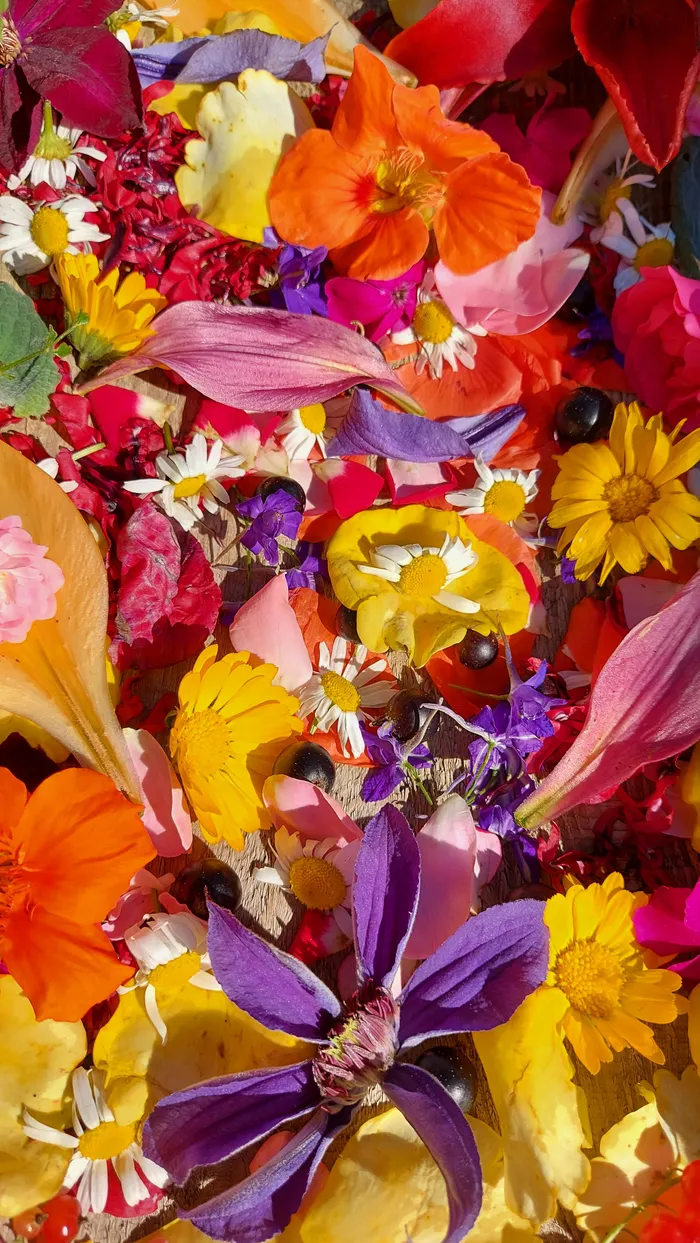
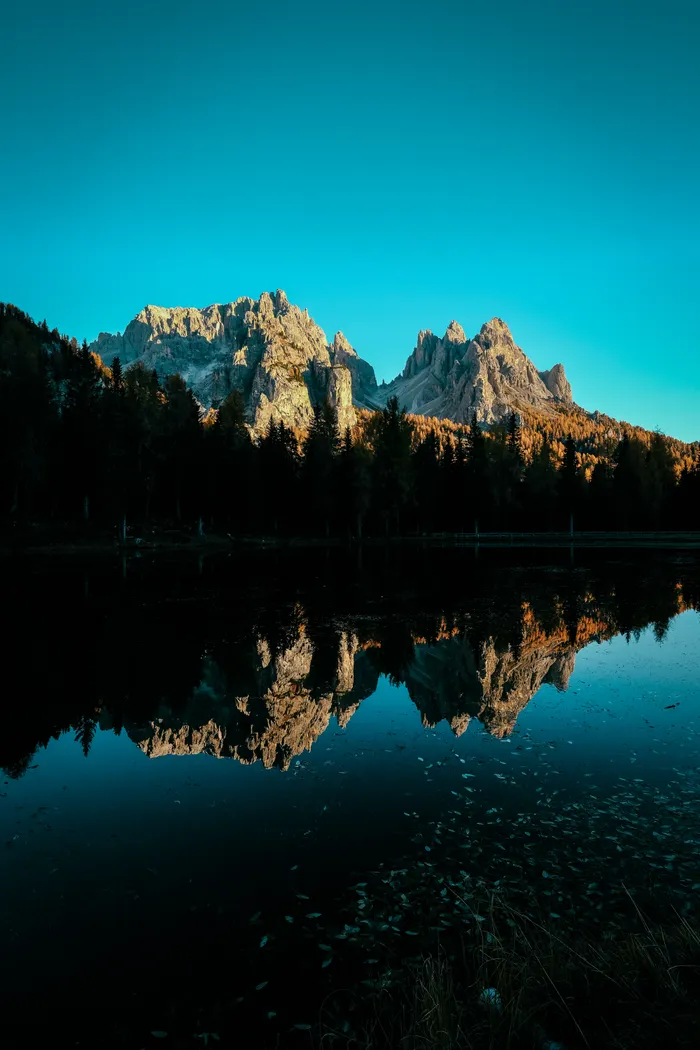
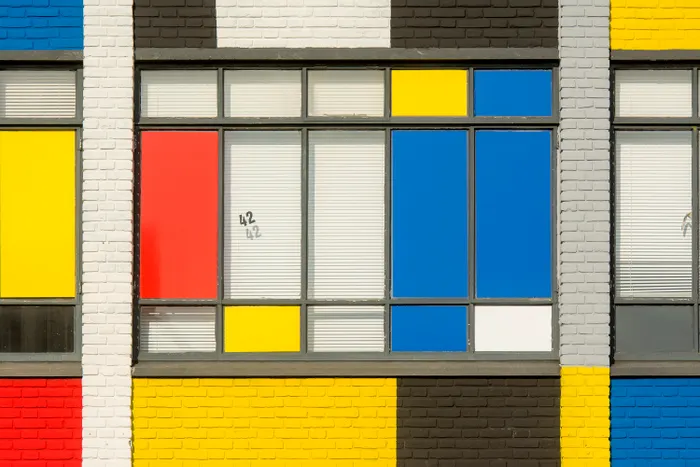
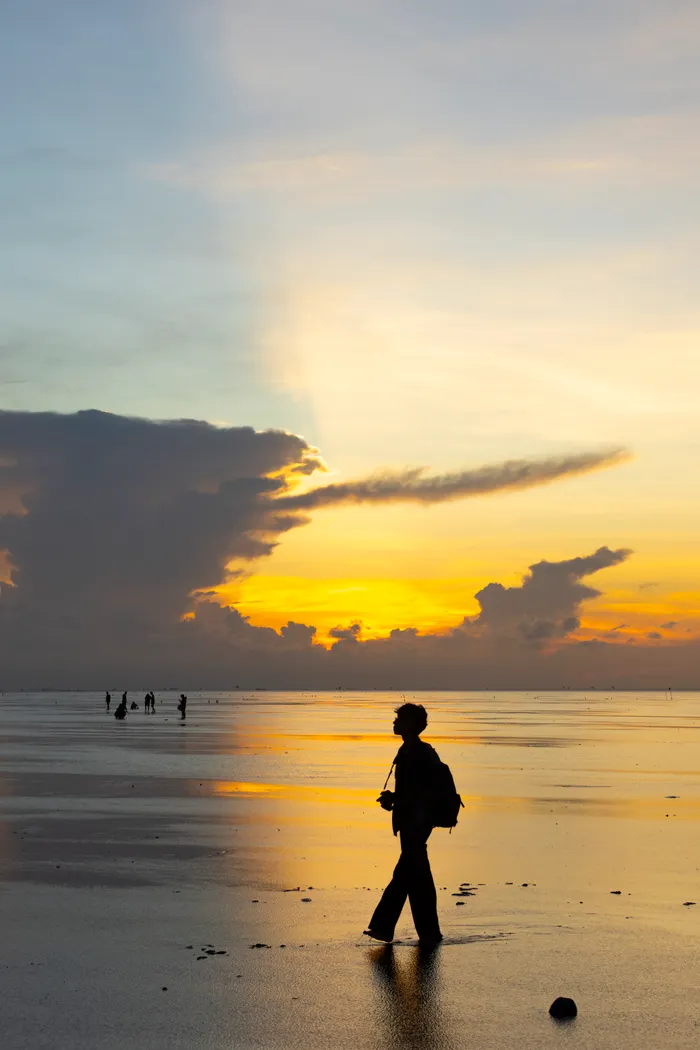
Demo photos: Nadia Spak, Francesco Ungaro, Jan van der Wolf, and HONG SON on Pexels.
FAQ
Yes. Photo Grid Maker is free to use, with no signup and no watermark.
No. The grid editor processes your photos locally in your browser and does not upload them to our server for editing.
Yes. Choose any preset from 1×2 through 3×3, or use the sliders to create a custom grid with up to 5 rows and 5 columns.
Yes. Keep auto-fit enabled and the editor chooses a compact grid when you add multiple photos.
Yes. Quick formats set useful grid and canvas combinations for Instagram, TikTok, Facebook and LinkedIn, and every setting can still be adjusted.
Yes for straightforward multi-photo layouts. The browser editor handles grid setup, cropping, spacing, backgrounds, frames and export without Photoshop.